
Augusta · North Augusta · CSRA
Cheap Template Websites: What CSRA Owners Actually Get (and What They Lose)
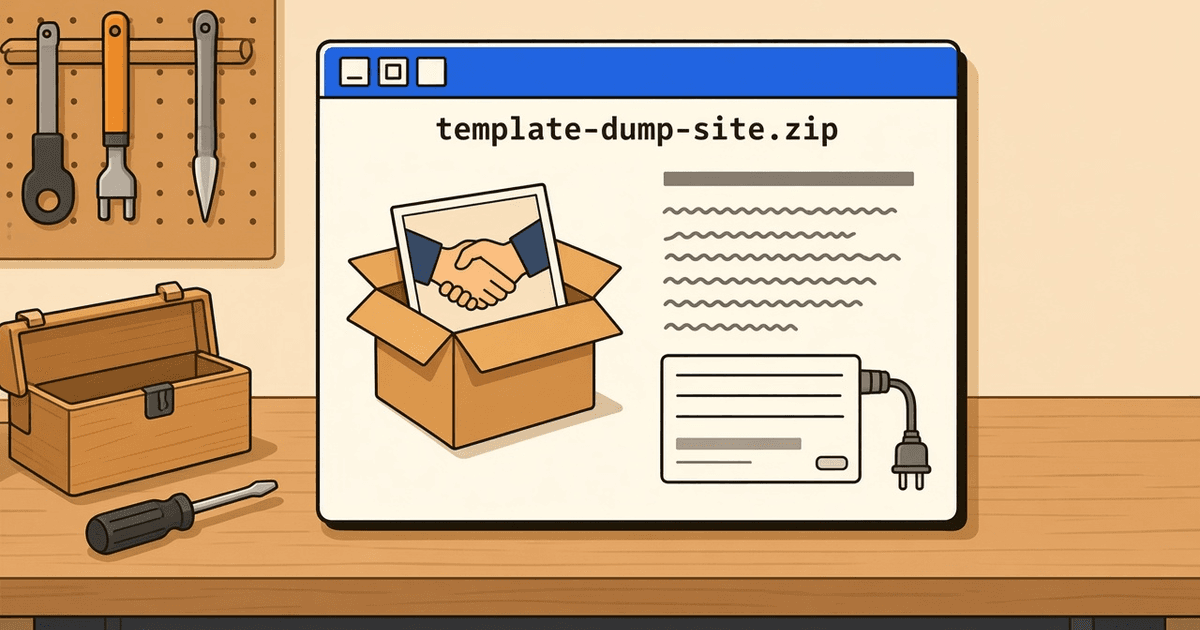
A template site can look finished and still lose you calls. Here is what to check, what to fix, and when a rebuild makes sense.
A template website can go up over a weekend. You pick a theme, drop in your logo, type a few lines and hit publish. It looks done. For a lot of Augusta, North Augusta, and CSRA owners that feels like a win, and sometimes it is.
But a website has three jobs. People need to find it. It needs to load fast on a phone. And when someone wants to hire you, it needs to get their message to a real person. A site can look great and fail all three.
This isn't a case against doing it yourself. Templates can work fine. You just need to know what usually comes in the box and what usually doesn't.
What's usually in the box
Most templates ship with the same parts. A big stock photo at the top, often two people shaking hands in an office. An about section with filler text you meant to replace. A services grid with icons. And a contact form.
None of that is bad on its own. The trouble is that the theme was built to look good in a demo, not to win you work. The demo never had to answer the phone.
The silent problem: forms and buttons that go nowhere
Here is the one that costs owners the most, and nobody notices it. The contact form sends to an old email address, or to a spam folder, or to nothing at all. The call button on mobile dials a number with a typo. The "Get a quote" button links back to the home page.
From the outside, the site looks fine. You just stop hearing from people and figure it's a slow month.
You can test yours in about two minutes:
- Open your site on your phone, not your computer.
- Tap the call button. Does it dial your real number?
- Fill out the contact form with your own name and a note like "test from [YOUR NAME]."
- Check the inbox you expect it to land in. Check spam too.
- If you have a quote or booking form, run it the same way.
If any step fails, fix that before you touch anything else. A plain site with a working form beats a pretty one with a broken form.
Why template sites blend in
Think about how someone in your area picks a contractor or a dentist. They search, open three or four sites, and compare. If your site uses the same layout, the same stock photos and the same "quality service you can trust" line as the next one, nothing tells them to pick you.
Templates make this worse because thousands of businesses start from the same theme. What sets you apart is the stuff a template can't supply: photos of your actual crew and work, the real services you offer, the towns you actually drive to, and the way you talk to customers.
Speed and mobile
Most people in the CSRA who find you will do it on a phone, often in a truck, a parking lot or a waiting room. That's where template sites tend to struggle.
Themes often load features you never turned on. Then plugins get added over time: a slider, a chat widget, a pop-up, a font pack. Each one adds weight. On a strong office connection you won't notice. On a phone with a weak signal, the page sits blank and the visitor taps back.
You don't need to be technical to check this. Open your site on your phone with Wi-Fi turned off. If you'd give up waiting, so will a customer. Google also offers a free tool called PageSpeed Insights that will show you what's slowing the page down.
A checklist before you rebuild
If your template site is up and mostly working, you may not need a new one. Try fixing these first:
- Real photos. Swap stock images for your own work, your team and your trucks or storefront. Phone photos in good light are fine.
- Real services. List what you actually do, in the words your customers use. Cut anything you don't offer.
- Real towns. Name the places you serve, in plain sentences, where it makes sense. Skip long lists of town names stuffed into a footer.
- A tested lead path. Every form and button goes to a person who will answer. Test it again after any change.
- Tracking. Set up a free way to see where calls and form fills come from, so you know if the changes helped.
- Trim the extras. Turn off plugins and features you don't use.
Run through that list and you may find the site was closer than you thought.
When a rebuild is worth it, and when it isn't
A rebuild makes sense when the fixes above don't stick. Maybe the theme breaks every time you edit it. Maybe it's slow even after you strip it down. Maybe you can't add the pages you need, like one page per service, without fighting the builder. Or maybe the business has grown and the site still looks like the side project it started as.
A rebuild is not worth it just because the site feels old to you. Customers don't care how long you've had it. They care whether they can find your number and whether you call back. If your current site does that, put your time into the checklist, not a new design.
If you want a second set of eyes, we're happy to look at your site with you and point out what we'd fix first. Book a free strategy session and bring your questions.
More from KN: services, CSRA local marketing, and about Kenny.
Ready for a working map?
Book a strategy session. Free design and build for up to 5 selected CSRA businesses a month and for LocateFaith members. A monthly plan is required; see How we work for the plans.