
Augusta · North Augusta · CSRA
City Pages That Rank vs Doorway Pages That Get Ignored
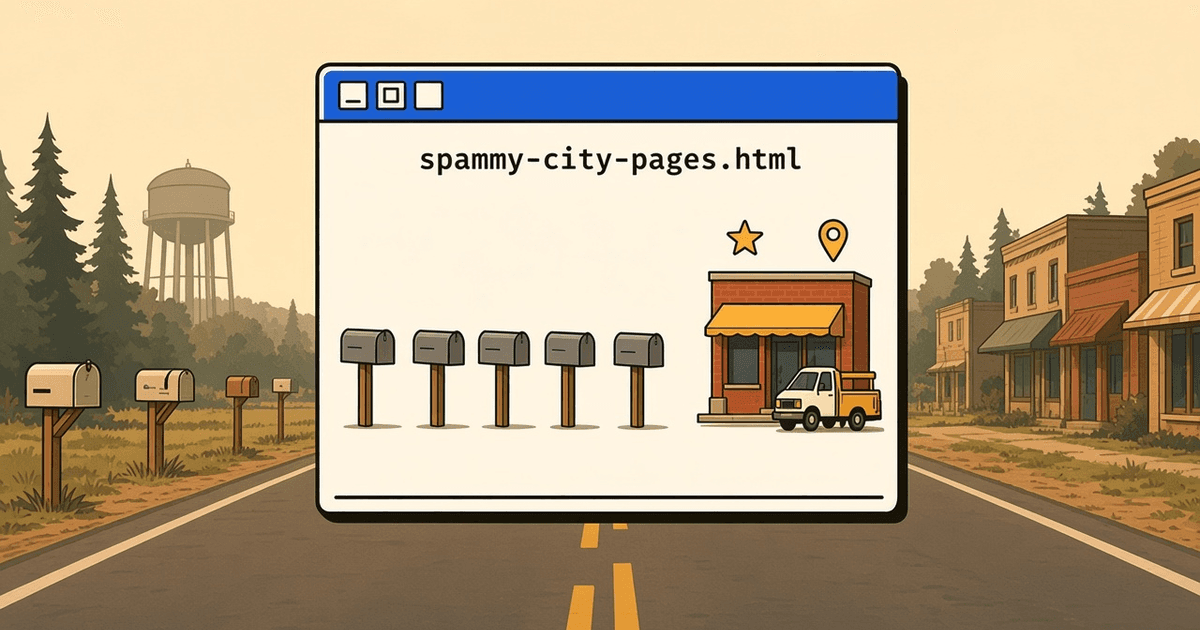
Pages for each town you serve can help people find you, or get ignored. Here is the difference and how to write ones worth reading.
If you serve more than one town, someone has probably told you to make a page for each one. That advice is half right. A page for each place can help people find you. It can also do nothing at all, or hurt you, if every page is the same page with a new town name pasted in.
Google has a name for that second kind: doorway pages. Its spam policies describe them as pages made mainly to rank for searches, which send people somewhere else or offer nothing new. Here is how to tell the two apart—especially if you serve Augusta, Evans, Grovetown, North Augusta, and the wider CSRA.
What a doorway page looks like
You've probably seen these. "Best Plumber in Grovetown." "Best Plumber in Evans." "Best Plumber in Martinez." Open them side by side and the text is word for word the same except for the town. Same photos. Same three paragraphs. Sometimes there are dozens of them, linked from a long list in the footer.
They're cheap to make, which is the problem. They don't tell a customer anything they couldn't learn from your home page. Search engines see that too, so these pages tend to get filtered out or ignored.
What a city page that ranks looks like
A useful city page answers the question the visitor actually has: "Do they work here, and have they done jobs like mine nearby?"
That means each page has something only that page could say:
- Real work in that town. Photos and a short write-up of a job you did there, with the customer's permission.
- Local details that matter to the job. Older homes in one neighborhood, clay soil in another, HOA rules, how far out you go.
- Honest service info. Whether you're there every day or once a week, and how scheduling works.
- Reviews from people in that area, if you have them.
- A clear way to reach you. A tested call button and form.
If you can't write a few honest sentences that are specific to a town, you probably don't need a page for it yet. Mention it on your service area page instead.
Fewer, better pages
Owners often think more pages means more chances to show up. In practice, a handful of strong pages for the towns where you do the most work tends to serve you better than a stack of thin ones. Start with the places your best customers come from. Add a new town page when you have real work there to show.
A quick check for the pages you have
Open two of your town pages side by side and ask:
- Could I swap the town names and nobody would notice?
- Does each page show work or details from that town?
- Would a customer learn something here they wouldn't learn on my home page?
- Does the call button and form work on a phone?
If the first answer is yes, those pages are doorway pages. You can merge them into one service area page, or rewrite the ones for your busiest towns with real details.
If you want help sorting out which town pages to keep, merge or rewrite, book a free strategy session. We'll look at them with you.
More from KN: services, CSRA local marketing, and about Kenny.
Ready for a working map?
Book a strategy session. Free design and build for up to 5 selected CSRA businesses a month and for LocateFaith members. A monthly plan is required; see How we work for the plans.